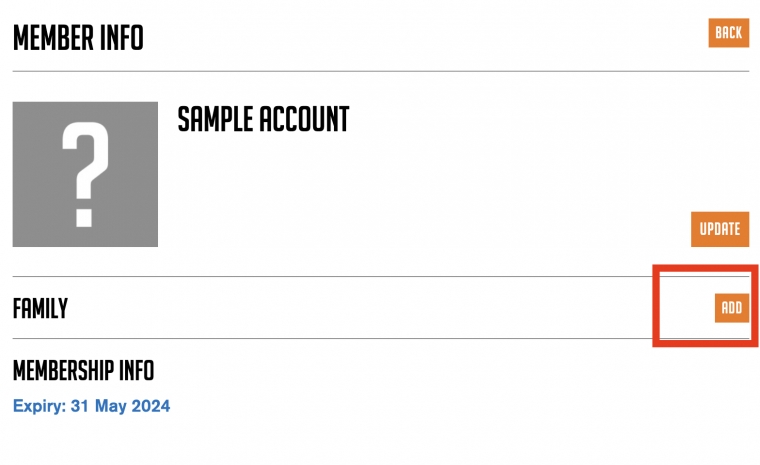
Add family members to your account for £10 per year per family member
To add family members to your account, go to your account page by clicking 'Hi' in the top right corner of the website. You'll need to be signed in to view this page. Then follow these steps.
- Click 'Add Family Member'
- You can then click 'Add New', it's the blue link underneath 'New Family Member'.
- Fill in the new members name, email address and their desired password (they will be able to update this themselves later by logging into their own account)
- You will then be taken to the payment page and charged £10 to add the new member. This amount may be lower dependant on how long you have left on your membership. If you are inside the last 3 months of membership, your new family member will be added on for free, and they will be picked up at your renewal date.
- Your new family member's account will then be active, with the same expiry as yours. They can log in themselves using the credentials you set up for them.
If you have any problems email beestoncyclingclub@gmail.com